Right, let's talk about a major win for CSS architecture that just crossed the finish line. If you've been building dark mode interfaces, you're likely already using light-dark() for colours. But as of September 2026, the game has changed for our visual assets too.
With the release of Safari 27, the image-valued form of light-dark() is now officially part of Baseline. This means we can finally stop juggling complex @media queries just to swap out a background gradient or a brand logo. It's declarative, it's clean, and it's ready for your design system tokens.
What Exactly Changed?
The CSS Color Module Level 5 defines two distinct signatures for this function. While the first version (which Safari supported back in 2024) only handled colours, this new implementation allows for two <image> values. This includes url() references, linear-gradient(), and even paint() worklets.
The syntax is straightforward: the first argument is your default (light) asset, and the second is your dark mode alternative. Here's a look at how I've started implementing theme-aware gradients:
:root {
  color-scheme: light dark;

  --hero-background: light-dark(
    linear-gradient(135deg, #ffffff 0%, #dbeafe 100%),
    linear-gradient(135deg, #111827 0%, #312e81 100%)
  );
}

.hero {
  background-image: var(--hero-background);
}
The Token Pattern for Assets
In a production design system, we want to keep these logic-heavy decisions inside our tokens. I've found that using light-dark() for brand marks and decorative patterns significantly reduces the 'CSS noise' in our component files.
Consider a brand logo that needs to flip between a dark navy and a bright white version. Instead of targeting a specific class in a media query, we can define it once at the root:
.brand-mark {
  /* Declarative asset swapping */
  content: light-dark(
    url("/assets/brand-light.svg"),
    url("/assets/brand-dark.svg")
  );
}

.surface-pattern {
  /* Using 'none' as an intentional fallback for one theme */
  background-image: light-dark(
    url("/art/pattern-light.svg"),
    none
  );
}
Browser Support and The 'Safety Net'
Safari 27 (released 14 September 2026) was the final piece of the puzzle. It joined Chrome and Firefox in supporting the image-valued form, making it safe for general use. However, if your organisation still supports older browsers, you'll want a layered fallback approach.
I usually recommend a 'mobile-first' or 'light-first' fallback, followed by the modern implementation inside a feature query. This ensures that even on older engines, the user gets a functional (if not perfectly themed) experience.
.hero {
  /* 1. Legacy Fallback */
  background-image: url("/assets/hero-light.svg");
}

@media (prefers-color-scheme: dark) {
  .hero {
    /* 2. Legacy Dark Mode Support */
    background-image: url("/assets/hero-dark.svg");
  }
}

@supports (background-image: light-dark(none, none)) {
  .hero {
    /* 3. Modern Declarative Version */
    background-image: light-dark(
      url("/assets/hero-light.svg"),
      url("/assets/hero-dark.svg")
    );
  }
}
Critical Implementation Gotchas
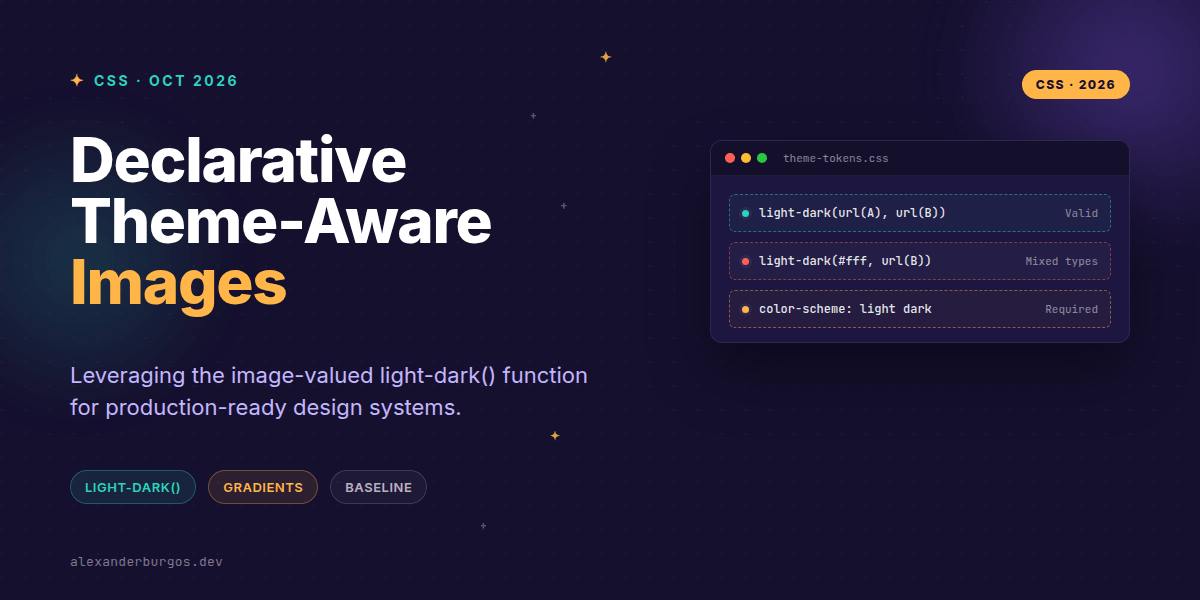
I've been playing with this for a few weeks, and there are a few traps you'll want to avoid. First and foremost: you must set color-scheme. If you don't define color-scheme: light dark on the element or an ancestor, the browser won't know which branch to pick, and it will default to the light version every time.
- Same-type pairs: You cannot mix types.
light-dark(#fff, url(bg.jpg))will fail. It's either two colours or two images. - Preloading: Be careful with large assets. Some browsers might discover both URLs during the pre-scan, potentially doubling your initial data load if not managed properly.
- Contrast: Just because you've swapped to a 'dark' image doesn't mean it has enough contrast against your dark background. Always test your WCAG ratios for both modes independently.
Accessibility Safeguards
It's tempting to use this for everything, but remember: CSS imagery is decorative. If the image conveys essential information (like a status icon), don't rely solely on the CSS swap. Ensure you have proper aria-label attributes or hidden text in your HTML. Changing the visual asset via CSS doesn't update the accessible name of the element.
If this is the kind of thing you keep finding out late about, my book Modern CSS 2026 on Amazon is one chapter per shift, with honest support labels.
Wrapping Up
- Use
light-dark()to move theme-switching logic from media queries into your design tokens. - Always ensure
color-scheme: light darkis set on your:rootor container. - Remember that arguments must be the same type—pair images with images and colours with colours.
I'm genuinely excited to see how this simplifies our design system architectures. Give it a try on your next project—it feels much more natural than the old way of doing things.
If you want to go deeper and learn how to build real, production-ready CSS design systems step by step, check out my full course here: CSS Design Systems Course
Let's keep the conversation going. You can find me sharing more CSS tips on Twitter or connect with me for a deeper dive on LinkedIn.