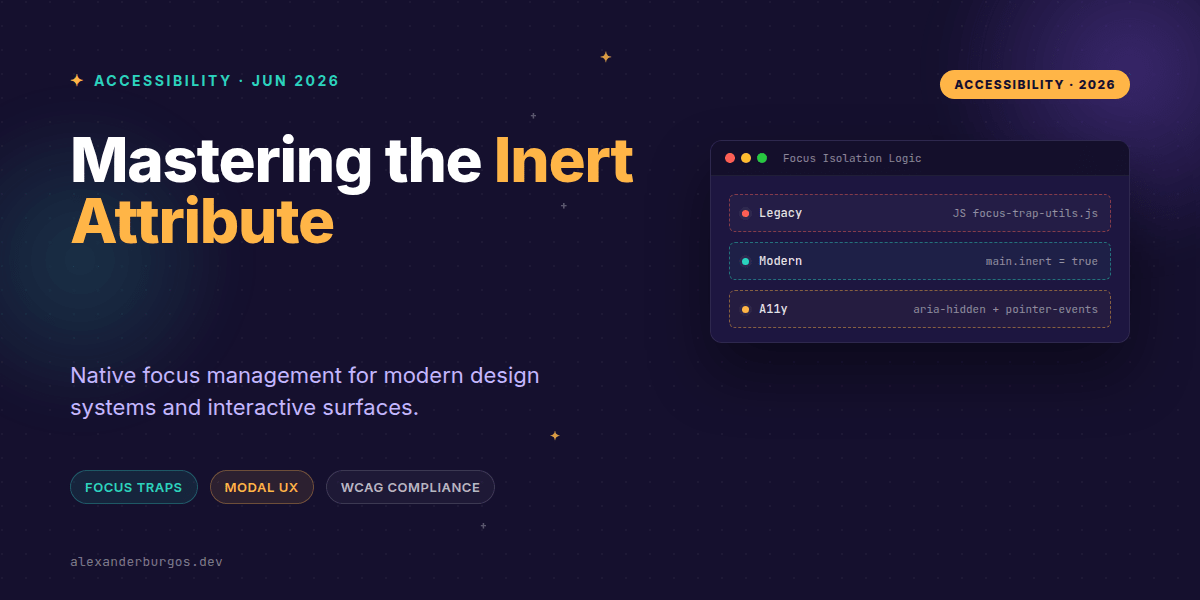
We've all been there: you're building a modal or a slide-out drawer, and suddenly you're staring at a 50-line utility function designed just to keep the user's keyboard focus from escaping into the background. It's tedious, error-prone, and honestly, a bit of a hack.
For years, "focus trapping" has been the bane of UX engineers. We had to find all focusable elements, listen for Tab and Shift+Tab, and manually loop the focus. But those days are officially over. The inert attribute has reached full stability across modern browsers, and it's a total game-changer for how we handle accessibility in our design systems.
What exactly is 'inert'?
The inert global attribute is a Boolean that tells the browser to treat a specific subtree of the DOM as if it's not there for interaction purposes. When you slap inert on a container, a few magical things happen automatically:
- No Focus: Elements inside cannot be tabbed to or focused programmatically.
- No Clicks: It acts like
pointer-events: none, blocking all hit-testing. - No AT Access: It behaves like
aria-hidden="true", hiding the content from screen readers. - No Selection: Text selection is disabled, similar to
user-select: none.
It's essentially a "freeze ray" for the DOM. And because it's native, it's significantly more robust than any custom JavaScript logic we've been using.
Replacing the custom focus trap
In a traditional design system modal, you'd usually have a complex script that prevents the user from tabbing back into the header or the main page content while the modal is open. With inert, we flip the script. Instead of trapping focus inside the modal, we simply make the rest of the page inert.
<!-- When the modal is active -->
<body>
  <div id="app-root" inert>
    <!-- All main content is now frozen and hidden from AT -->
    <header>...</header>
    <main>...</main>
  </div>

  <div id="modal-portal" role="dialog" aria-modal="true">
    <!-- This remains interactive -->
    <button id="close-btn">Close</button>
  </div>
</body>
By applying inert to the #app-root, the browser naturally keeps the user within the #modal-portal. You don't need to listen for tab keys or manage an array of focusable nodes. It just works.
Implementation Pattern for Design Systems
If you're building a reusable component library, I've found that the best way to handle this is by identifying a "main" wrapper that contains your application shell. When a blocking surface (like a Drawer or Command Palette) opens, you toggle the attribute on that wrapper.
const toggleAppInert = (state) => {
  const mainContent = document.getElementById('main-layout');
  if (state) {
    mainContent.setAttribute('inert', '');
  } else {
    mainContent.removeAttribute('inert');
  }
};
One thing I can't stress enough: you still need to move focus. While inert prevents focus from leaving the modal, it doesn't automatically teleport the focus into the modal when it opens. I usually recommend focusing the first interactive element or the close button the moment the surface becomes visible.
Common Gotchas to Avoid
I've seen a few recurring mistakes when teams start adopting inert. First, don't confuse it with aria-hidden. While inert does hide things from screen readers, aria-hidden doesn't stop a keyboard user from tabbing into a link. inert is the heavy lifter here; you rarely need both on the same element.
Second, be careful with your DOM structure. Because inert applies to the entire subtree, you cannot "un-inert" a child element if the parent is inert. This is why portal patterns (moving your modals to the end of the ) are so vital. If your modal is a child of the main content div, and you make that div inert, your modal becomes useless too.
Wrapping Up
- Use
inerton background containers to natively handle focus trapping and accessibility isolation. - Remember that
inertis a subtree-level attribute; ensure your modals and drawers sit outside the element you're making inert. - Always programmatically move focus to the open surface, as
inertonly manages the boundaries, not the initial entry.
I'm genuinely excited about this. It's a rare case where a new CSS/HTML feature actually lets us delete a significant amount of complex JavaScript. Give it a try on your next drawer or modal component—your codebase (and your users) will thank you.
If you want to go deeper and learn how to build real, production-ready CSS design systems step by step, check out my full course here: CSS Design Systems Course
If you want the long-form version of this with 23 chapters and runnable code, Ship Your Design System on Amazon is the handbook.
Let's chat more about CSS architecture and A11y on Twitter or LinkedIn. I'd love to hear how you're handling focus management in your systems!