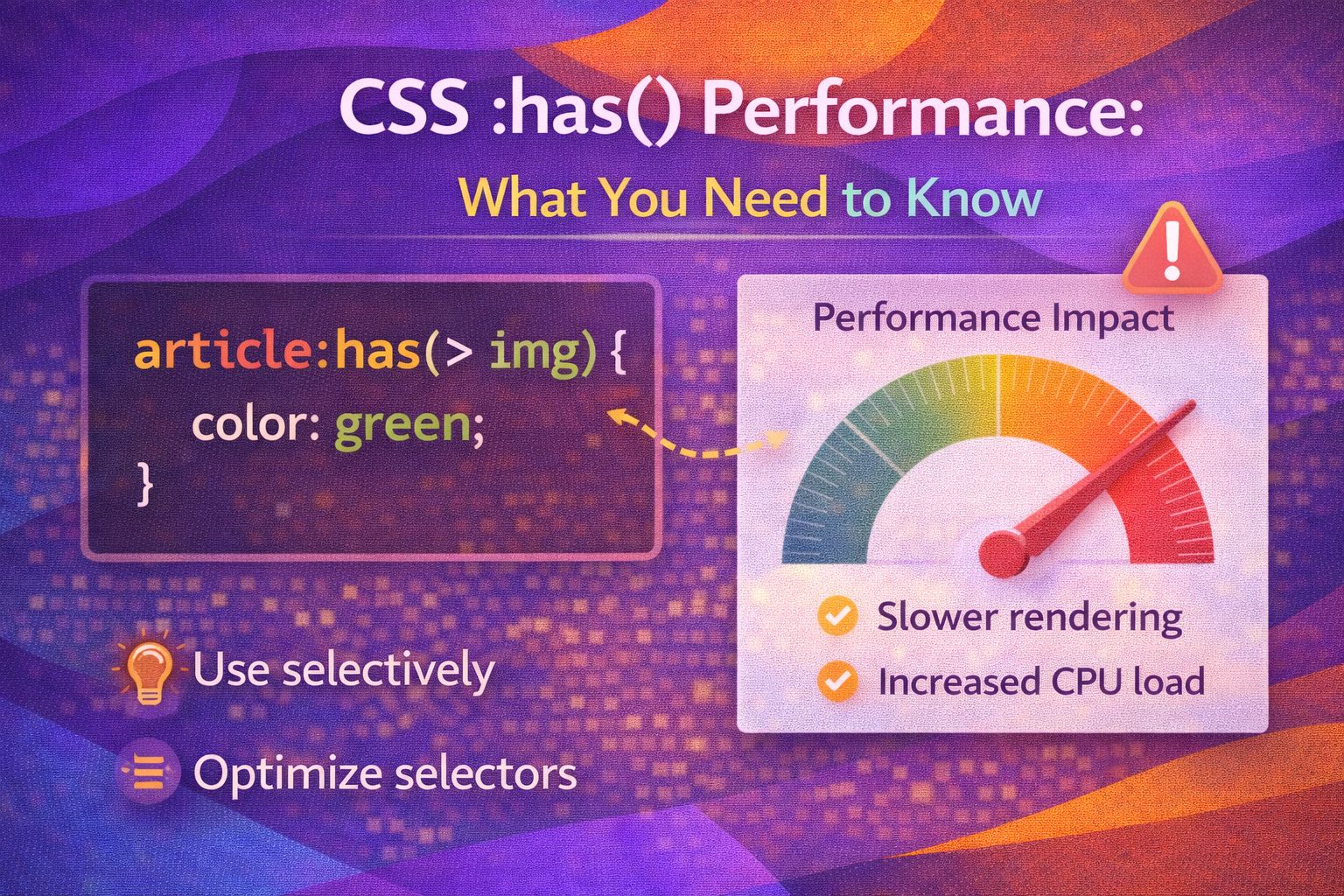
Let's be honest — :has() is the closest thing to magic we've ever had in CSS. After years of hacking around with JavaScript to style parent elements based on their children, the 'parent selector' is finally here, but there's a catch that often gets overlooked: performance.
The Syntax: Keeping it Simple
The syntax is straightforward, but it's easy to get carried away with complex selectors that force the browser to do too much work.
/* Basic parent selection */
section:has(h2) {
  background-color: var(--surface-alt);
  padding-block: 2rem;
}

/* Styling a card only if it contains a featured image */
.card:has(.card__image--featured) {
  grid-column: span 2;
  border: 2px solid var(--accent-primary);
}
I've found that keeping the argument inside :has() as specific as possible helps the browser engine narrow down the scope quickly.
/* Avoid broad lookups like this */
body:has(.any-deep-child) { ... }

/* Prefer targeted lookups */
.form-group:has(input:invalid) {
  border-left: 4px solid var(--error-red);
}Real-World Performance Wins
One of the best uses for :has() is replacing heavy JavaScript mutation observers or 'state' classes that trigger layout shifts.
/* The old way: JavaScript adding .has-sidebar to body */
/* The new way: Pure CSS */
.layout:has(aside) {
  display: grid;
  grid-template-columns: 300px 1fr;
}

/* Conditional styling for navigation */
.nav:has(.nav__link:hover) .nav__link:not(:hover) {
  opacity: 0.6;
  filter: blur(1px);
}
The cool bit? You can use it for complex UI logic that previously required React state or DOM manipulation.
/* Selecting a label based on checkbox state without sibling hacks */
.field-wrapper:has(:checked) label {
  color: var(--primary-blue);
  font-weight: 700;
}

/* Handling empty states without JS logic */
.list-container:not(:has(.item)) {
  display: flex;
  justify-content: center;
  background: url('empty-state.svg');
}Potential Pitfalls: Deep Nesting
Here's where things get interesting: nesting :has() inside :has() can lead to significant recalculation costs in large DOM trees.
/* ❌ Performance Warning: Nested relational selectors */
article:has(section:has(div:has(p))) {
  background: red;
}

/* ✅ Better: Keep it flat */
article:has(.special-paragraph-class) {
  background: red;
}
I always recommend using a flat class structure within the :has() argument to keep the selector matching engine happy.
/* Complex logic made simple and efficient */
.main-content:has(> .alert--critical) {
  border-top: 10px solid var(--danger);
}

/* Using combinators within :has() */
.card-grid:has(.card:nth-child(5)) {
  grid-template-columns: repeat(auto-fit, minmax(150px, 1fr));
}Browser Support & Feature Detection
As of 2026, support is fantastic across the board, but we still need to be careful with older environments.
/* Feature detection in CSS */
@supports (selector(:has(*))) {
  .container:has(.hero) {
    margin-top: 0;
  }
}

/* Fallback for older browsers */
@supports not (selector(:has(*))) {
  /* Manual fallback classes applied via JS */
  .container.has-hero {
    margin-top: 0;
  }
}
If you're working in a React or TypeScript environment, you can check support before running logic.
// JS Feature Detection
const supportsHas = CSS.supports('selector(:has(*))');

if (!supportsHas) {
  console.warn('Browser does not support :has(). Applying fallbacks.');
  // Run polyfill or add manual classes
}
Browser Support
The :has() pseudo-class is widely supported in modern browsers: Chrome/Edge 105+, Safari 15.4+, and Firefox 121+. It's currently sitting at roughly 97% global coverage.
Wrapping Up
Using :has() is a game changer for UX engineering, but it requires a bit of discipline to keep your apps snappy.
- Be specific: Use direct classes inside :has() rather than broad element selectors to limit the search scope.
- Avoid deep nesting: Try not to chain multiple :has() selectors, as this can trigger expensive style recalculations.
- Always provide fallbacks: Use @supports for critical layouts to ensure users on older browsers still have a functional experience.
Trust me on this one — once you start using :has() responsibly, you'll wonder how we ever built design systems without it! If you found this helpful, I'd love to connect! Follow me on Twitter/X or LinkedIn for more CSS and design system tips.