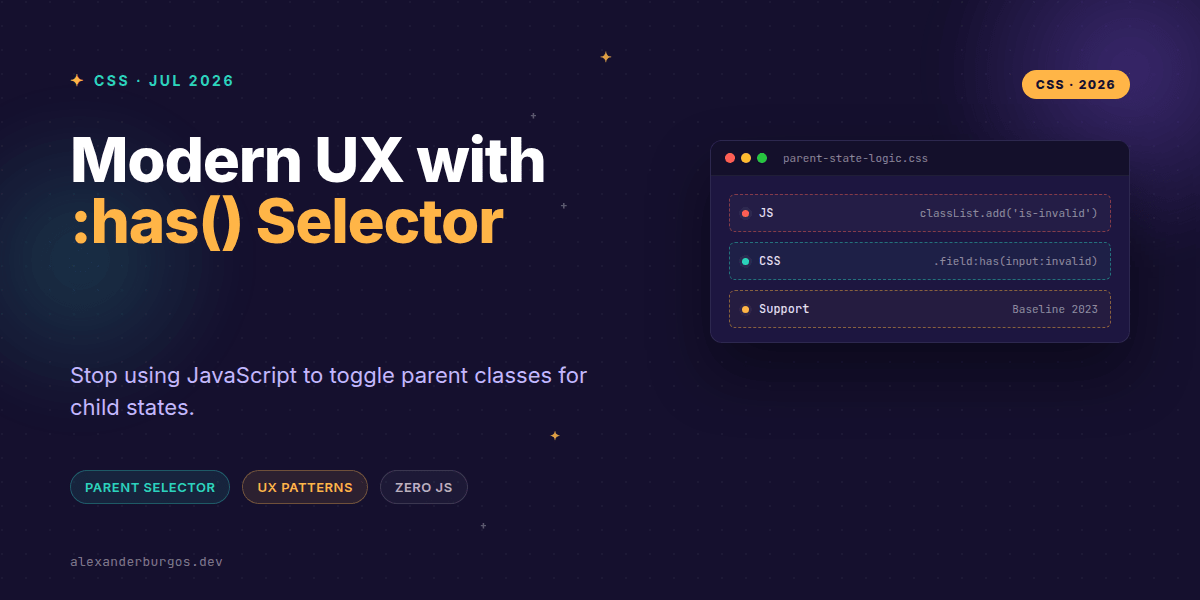
Ever wondered why we're still writing JavaScript to toggle a class on a container just because a checkbox inside it got clicked? It's one of those "web development taxes" we've been paying for decades. We want the parent card to glow when the child button is hovered, so we reach for an onMouseEnter listener and a React state variable. It works, but it feels like using a sledgehammer to crack a nut.
Right, let's talk about :has(). This isn't just another shiny new selector; it's a fundamental shift in how we handle presentation logic. Since late 2023, it's been broadly available across all major engines—Safari, Chrome, Edge, and Firefox. We finally have the "relational pseudo-class" we've been dreaming of, and it's time to delete a lot of unnecessary state plumbing.
What is :has() actually doing?
In simple terms, :has() allows an element to be styled based on what's happening inside it or immediately after it. As MDN defines it, it matches an element if any relative selector in its argument matches when anchored against that element. Josh Comeau put it perfectly: "With :has, we can select any element based on the properties/status of any other element."
Before this, CSS only flowed downwards. You could style a child based on its parent, but never the other way around. Now, the parent can finally "see" its children's state. Let's look at how this changes the game for common design system patterns.
Pattern 1: Intelligent Form Validation
We've all been there: you need the entire fieldset to turn red and grow a thick border when the user enters an invalid email. Previously, you'd need a JS observer to watch the input and toggle an .is-error class on the wrapper. Now? It's one rule.
/* The container reacts to the input's validity */
.form-group:has(input:invalid:not(:placeholder-shown)) {
  border-left: 4px solid var(--error-red);
  background-color: var(--error-surface);
}

.form-group:has(input:invalid:not(:placeholder-shown)) label {
  color: var(--error-red);
  font-weight: bold;
}
This is huge for maintainability. The CSS is now directly tied to the native HTML5 validation state. No more syncing issues where the JS thinks the form is valid but the CSS hasn't caught up yet.
Pattern 2: The Expandable Card
Interactive cards often have a "see more" state. If you're using the semantic <details> element (which you should for accessibility!), you can style the entire card surface based on whether the details are open.
.card:has(details[open]) {
  box-shadow: var(--shadow-lg);
  transform: scale(1.02);
  z-index: 10;
}
This keeps your React or JavaScript components clean. You aren't passing isOpen props down through five layers just to change a shadow on the wrapper. The CSS handles the visual "reaction" to the semantic state change.
Pattern 3: Navigation Highlighting
I've found that navigation bars often need to change their appearance when a specific link is active or focused. For example, maybe you want the whole nav background to shift colour when a user is interacting with a dropdown.
/* Highlight the nav when a 'current' link exists */
.main-nav:has(a[aria-current="page"]) {
  border-bottom: 2px solid var(--primary-accent);
}

/* Dim other items when one is hovered */
.nav-list:has(li:hover) li:not(:hover) {
  opacity: 0.6;
  filter: blur(1px);
}
The Accessibility Reality Check
Okay, I'm genuinely excited about this, but we need to be careful. A common misconception is that :has() replaces accessibility logic. It doesn't. It is purely for presentation.
You still need aria-expanded for screen readers. You still need proper focus management. :has() is the "observer" that updates the UI, but the underlying HTML must remain semantically sound. If you're using a checkbox to trigger an expansion, ensure the label and the ARIA attributes are doing their jobs. CSS only changes how it looks, not how it works for a user with a screen reader.
Performance and Best Practices
MDN gives us a fair warning: :has() can be expensive. Because the browser has to check the children every time the DOM changes, using it on a universal selector like *:has(.child) can tank your performance on large pages.
The trick is to anchor your selector. Instead of a broad search, scope it to a specific component container. Use combinators like > to limit how deep the browser has to look. For example, .card:has(> .card__footer) is much faster than .card:has(.card__footer) because it only looks at immediate children.
Wrapping Up
- Use :has() to remove 'state plumbing' JS that only handles visual changes.
- Always anchor your selectors to specific classes to keep performance high.
- Remember that CSS state reflection is not a substitute for ARIA roles and keyboard management.
I'd encourage you to go through your current project and look for useEffect hooks or event listeners that only toggle a class. You'll be surprised how many you can delete today. It's a cleaner, more resilient way to build interfaces.
If you want to go deeper and learn how to build real, production-ready CSS design systems step by step, check out my full course here: CSS Design Systems Course
The long version with support labels and runnable demos is in Modern CSS 2026 on Amazon Kindle.
Let's chat about your favourite :has() use cases over on Twitter or connect with me on LinkedIn. I'd love to see what you're building!