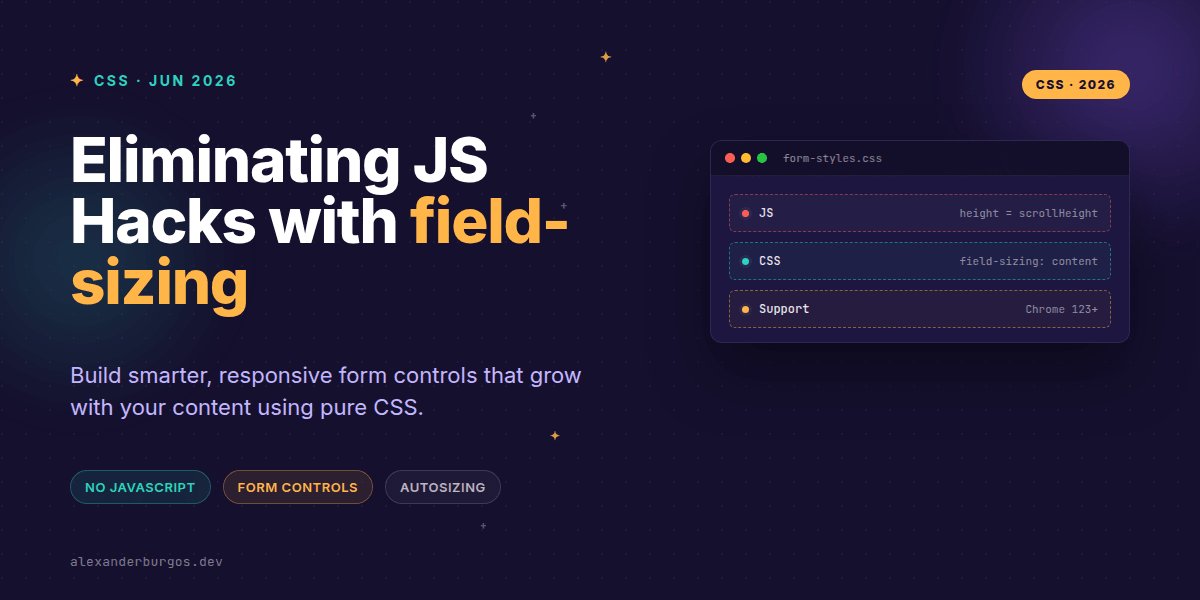
Ever wondered why we're still writing 20 lines of JavaScript just to make a textarea grow when someone types? We've all been there, attaching input listeners and calculating scrollHeight just to avoid a clunky scrollbar in a tiny box. It's one of those "web platform tax" items we've just accepted as part of the job.
Right, let's talk about field-sizing. This property is a genuine game-changer for anyone building design systems or complex form patterns. It allows our inputs, textareas, and selects to shrink-wrap their content natively, effectively killing off a whole category of fragile JS utilities.
The End of the Fixed-Size Era
Traditionally, form fields have a "preferred size" defined by the browser's User Agent (UA). An input gets a default width, and a textarea gets a default block of rows. If the text exceeds that box, you get a scrollbar. If the text is shorter, you get a lot of empty, wasted space.
The field-sizing property, part of the CSS UI work, introduces two values: fixed (the old default) and content. When you flip that switch to content, the browser stops enforcing those UA defaults and lets the element's dimensions be dictated by what's inside it.
/* The magic line */
textarea {
  field-sizing: content;
  min-height: 4rem;
}
Why Senior Teams are Jumping on This
In a design system context, we often struggle with "inline editable" patterns. Think of a search chip where the user types a tag, or a dashboard title that should look like plain text until clicked. Previously, we'd have to use a hidden span to mirror the text, measure its width, and apply that to the input. It was, frankly, a bit of a nightmare to maintain.
With field-sizing: content, the browser handles the geometry for us. It's more performant because it happens during the layout phase, not as a side-effect of a React state change or a DOM event. I've found it particularly liberating for multi-line comment boxes where we want to keep the UI tight until the user actually starts writing their life story.
Practical Implementation & Constraints
One big misconception is that field-sizing replaces width or height entirely. It doesn't. In fact, you'll arguably need min- and max- constraints more than ever. Without them, a textarea might shrink to a tiny sliver when empty or blow out your entire layout if someone pastes a novel.
.comment-box {
  field-sizing: content;
  min-height: 80px;
  max-height: 500px;
  width: 100%;
}
Also, keep an eye on the resize property. If a user manually drags a textarea's resize handle, the browser applies an explicit height to the element's inline style. This usually "wins" over the content-based sizing until that style is cleared. It's a small detail, but one that can trip up your QA team.
The Support Reality Check
As of mid-2026, we're in a much better place than we were two years ago, but it's not quite "Baseline" everywhere. Chrome and Edge have had solid support since version 123. Safari joined the party, but Firefox has been a bit more conservative, often requiring a flag in older versions.
I recommend treating this as a progressive enhancement. Use the rows attribute and standard CSS dimensions as your baseline. If the browser supports field-sizing, the experience gets smoother. If not, the user still gets a functional (if slightly more rigid) form field.
Wrapping Up
- Use
field-sizing: contentto eliminate 'mirror element' hacks for autosizing inputs. - Always pair with
min-heightormax-widthto prevent layout shifts on empty or massive inputs. - Remember that manual user resizing will override the automatic content-based sizing.
I'd encourage you to try swapping out just one JS-based textarea in your next project. It's incredibly satisfying to delete those resize listeners and see the browser handle it with a single line of CSS.
If you want to go deeper and learn how to build real, production-ready CSS design systems step by step, check out my full course here: CSS Design Systems Course
The long version with support labels and runnable demos is in Modern CSS 2026.
Feel free to reach out and share your results on Twitter or connect with me on LinkedIn to talk more about modern CSS architecture.