Ever wondered why we still have to reach for JavaScript just to show a loading spinner on the specific button a user just clicked? It's one of those tiny UX gaps that has always felt more difficult than it should be.
We've all been there: a user clicks a link, the browser starts fetching the next page, and for a brief second, the UI feels frozen because the 'active' state disappeared the moment the click finished. Well, Chrome 156 is about to change that workflow entirely.
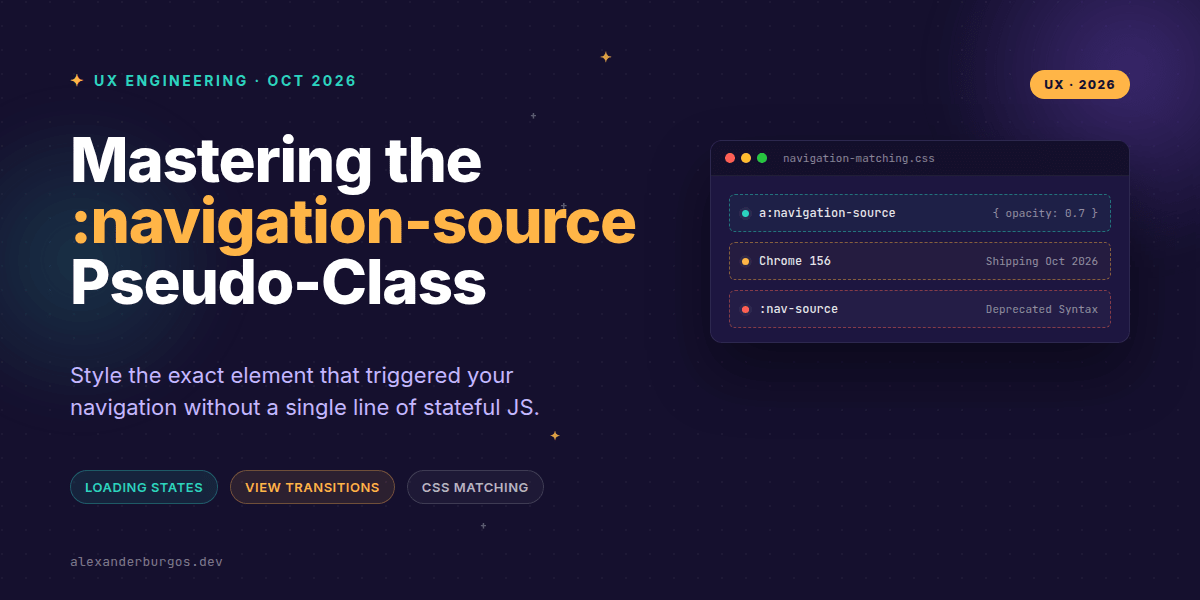
The new :navigation-source pseudo-class is landing, and it's a genuine game-changer for how we handle navigation feedback. It allows us to target the exact element—whether it's a link, a button, or a form—that initiated the current navigation and keep it styled until the new page loads.
What exactly is :navigation-source?
In technical terms, :navigation-source is a CSS reflection of the Navigation API’s sourceElement. When a user interacts with a control that triggers a navigation event, that element matches this pseudo-class for the entire duration of the navigation.
According to the CSS Navigation Matching specification, the element stays selected while the navigation state is non-null. As the Chrome 156 release notes put it: "The element stays selected throughout the navigation."
I've found this particularly exciting because it covers more than just simple links. Supported source elements include:
- Standard links (
<a>) and image maps (<area>) - Form elements (
<form>) - Submit inputs (
<input type="submit">) - Button elements (
<button>)
Practical UX: Loading States without JS
The most immediate win for UX Engineers is styling 'in-flight' navigations. Instead of toggling a .is-loading class with a click handler, you can now do this directly in your stylesheet:
:where(a, button, form):navigation-source {
  outline: 2px solid Highlight;
  opacity: 0.7;
  cursor: progress;
}
This gives the user instant visual confirmation that the browser is working on their request. It’s cleaner, more performant, and reduces the surface area for bugs in your state management.
Supercharging View Transitions
If you're already playing with the View Transition API, you'll know that assigning view-transition-name dynamically can be a bit of a headache. :navigation-source makes this declarative.
Let's say you have a grid of products. When a user clicks one, you want that specific image to transition to the hero image on the next page. You can now scope that transition name to only the clicked link:
a:navigation-source .thumb {
  view-transition-name: active-product-image;
}
This ensures that only the element that triggered the navigation participates in the specific transition, preventing name collisions across your UI.
Important Gotchas to Keep in Mind
Right, let's talk about the details that might trip you up. First, this is not a replacement for :focus or :focus-visible. A navigation source can remain matched even if the user moves focus elsewhere before the page actually changes.
Secondly, watch your form semantics. If a user clicks a submit button inside a form, both the button and the form could be relevant, but they are distinct source elements. You'll want to be specific about which one you're styling.
/* Style the whole form during submission */
form:navigation-source {
  filter: grayscale(0.5);
}

/* Or just the button that was clicked */
button:navigation-source {
  background-colour: var(--brand-success);
}
Also, a quick note on syntax: during the experimental phase, you might have seen :nav-source in some articles. Forget that. The final specification and Chrome 156 implementation use the full :navigation-source name.
If you want the long-form version of this with 23 chapters and runnable code, Ship Your Design System on Amazon is the handbook.
Wrapping Up
- :navigation-source matches the element that triggered a navigation for the duration of the request.
- It's perfect for CSS-only loading states and scoped View Transitions.
- It's shipping in Chrome 156 (and Edge 156) in late October 2026.
I'd encourage you to start experimenting with this in your Canary or Dev builds. Even though Firefox and Safari haven't signaled support yet, it's a perfect candidate for progressive enhancement.
If you want to go deeper and learn how to build real, production-ready CSS design systems step by step, check out my full course here: CSS Design Systems Course
I'd love to hear how you plan to use this! Catch me on Twitter or connect with me on LinkedIn to share your thoughts.