Okay, I'm genuinely excited about this. We've spent decades building DevTools specifically for human eyes, squinting at computed styles and toggling checkboxes to see what sticks. But the game just changed.
Chrome is rolling out a massive shift in how we inspect the web: agent-oriented CSS inspection. This isn't just a UI tweak; it's a structural bridge that allows AI coding agents to 'see' and reason about our stylesheets with the same precision we do, but at a scale we can't match.
Why Agents Need Their Own DevTools
If you've ever tried to get an LLM to debug a complex CSS cascade, you know the pain. They guess. They hallucinate properties that don't exist. They don't understand that a z-index isn't working because of a stacking context three levels up.
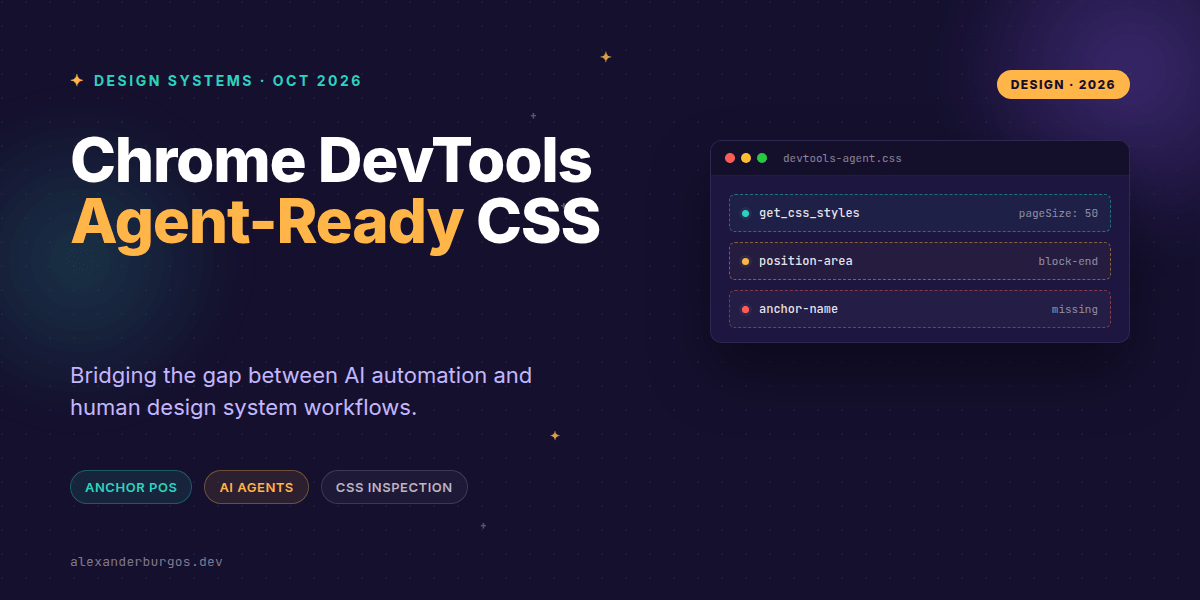
The new get_css_styles tool changes that. Instead of scraping a messy DOM, agents can now request structured, paginated data including computed styles, inherited rules, and even modern at-rules like @position-try and @property.
- Structured Output: JSON-like responses that agents can parse instantly.
- Pagination Support: Using
pageSizeandpageIdxto handle massive enterprise stylesheets without crashing the context window. - Full Context: Access to pseudo-elements, keyframes, and cascade layers.
The Anchor Positioning Revolution
While agents are getting better data, we're getting better visual tools for one of the most complex new features in CSS: Anchor Positioning. If you've been struggling with tooltips and popovers, this is your new best friend.
.trigger {
  anchor-name: --main-button;
}

.tooltip {
  position: absolute;
  position-anchor: --main-button;
  position-area: block-end;
  position-try-fallbacks: flip-block;
}
The new visual position-area editor in the Elements panel lets us select grid regions and configure axes independently. No more guessing if block-start or inline-end is what you actually need.
Debugging Relationships, Not Just Styles
One of the trickiest parts of anchor positioning is the 'implicit' relationship. When you have multiple anchors, DevTools now shows you exactly which ones are associated with your popover. You can jump between them with a click, and the new overlay exposes the inset-modified containing block—showing you exactly where your margins and borders are colliding.
Bridging the Design System Gap
In my experience, the biggest friction point in design systems is drift. A developer (or an agent) adds a one-off margin that breaks the token rhythm. By combining get_css_styles with a linting agent, we can now automate the detection of these 'rogue' styles.
Imagine a CI bot that doesn't just check your code, but checks the computed output in a real browser environment. It can flag when a component's visual state is coming from a legacy cascade layer instead of your new design tokens.
Common Gotchas to Watch Out For
Before you dive in, there are a few things that'll trip you up. I've seen these happen more times than I'd like to admit:
- Visibility is Key: An anchor element must be a visible DOM node. If it's
display: none, the relationship breaks. - Positioning Matters: The target element must use
absoluteorfixedpositioning. Anchor relationships don't work on static elements. - Draft Status: Remember, CSS Anchor Positioning Level 1 is still a W3C Working Draft. Terms and behaviors can (and will) change.
- Agent Interpretation: A tool reporting a style isn't the same as a tool understanding your design intent. You still need to define the policy.
Wrapping Up
- Agent-ready inspection allows AI tools to consume structured, paginated CSS data without the noise of raw DOM scraping.
- New anchor positioning diagnostics provide a visual way to handle complex UI relationships that were previously 'invisible' in the inspector.
- The combination of these tools enables a new workflow: agents propose changes, and humans use high-level visual editors to validate them.
Don't just take my word for it—open up the latest Chrome Canary, fire up the experimental DevTools features, and try to build a popover using the new position-area editor. It's a glimpse into the next five years of frontend engineering.
If you want to go deeper and learn how to build real, production-ready CSS design systems step by step, check out my full course here: CSS Design Systems Course
I cover the full pipeline in Ship Your Design System, 200 pages on Amazon Kindle.
Let's keep the conversation going. You can find me sharing daily CSS tips on Twitter or connect with me for more design system deep-dives on LinkedIn.