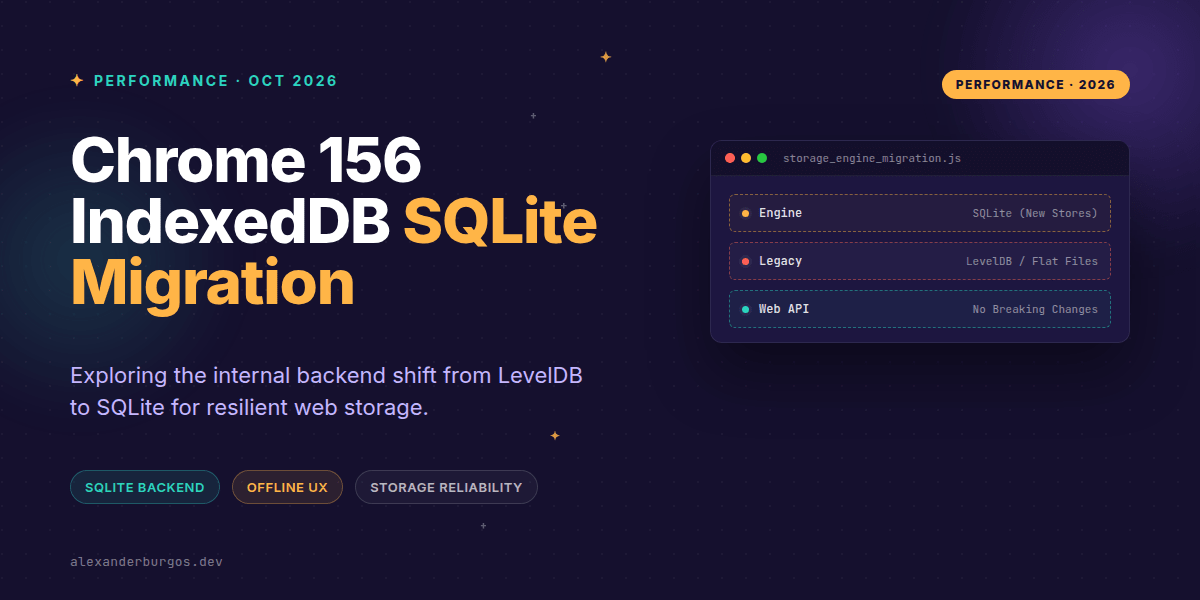
Right, let's talk about the engine under the hood. For over a decade, IndexedDB in Chromium has been a bit of a Frankenstein's monster, relying on a hybrid of LevelDB and flat files to manage our local web data. With the release of Chrome 156, that's finally changing.
Chromium is officially migrating its IndexedDB implementation to a SQLite-backed architecture. If you're building production-grade offline apps or complex PWAs, this is a significant shift in how the browser handles your data, even if the code you write doesn't change by a single character.
What's actually changing in Chrome 156?
First, let's clear up the biggest misconception: this is an internal backend migration. You aren't getting a new SQL API to query your data (though wouldn't that be lovely?). You'll still be using the same asynchronous transactions, object stores, and cursors we've all grown to love—or tolerate.
Chrome 156 marks 'Step 2' of this rollout. Here's how the phases break down according to the Chrome status notes:
- Step 1: In-memory and incognito contexts were moved to SQLite.
- Step 2 (Chrome 156): New IndexedDB data stores created by users will now use the SQLite backend.
- Step 3 (Future): Existing LevelDB stores will eventually be migrated over.
This means if your user already has a massive database on your site, it stays on LevelDB for now. But the moment they clear their site data or a new user lands on your app, they're on the new SQLite path. This 'split-brain' period is exactly why we need to be careful with our performance profiling.
Reliability over Raw Speed
I've seen a lot of chatter assuming this makes IndexedDB 'fast' suddenly. While SQLite is a battle-hardened beast, the official word from the Chromium team is that this change is primarily focused on reliability, and only 'to a lesser extent,' performance.
LevelDB was sometimes prone to corruption or complex failure states when paired with flat files for large blobs. SQLite brings ACID compliance and a much more predictable recovery model. For us as UX Engineers, this means fewer 'Database is corrupted' errors and a more resilient offline experience.
Implementation Patterns for Resilient Apps
Even with a better backend, the standard IndexedDB failure modes haven't vanished. You still need to handle quota limits, blocked upgrades, and version changes gracefully. Here's a pattern I've been using to ensure the app doesn't just crash when storage hits a snag:
const request = indexedDB.open("my_app_db", 2);

request.onupgradeneeded = ({ target }) => {
  const db = target.result;
  // Always check existence before creating
  if (!db.objectStoreNames.contains("sync_queue")) {
    db.createObjectStore("sync_queue", { keyPath: "id" });
  }
};

request.onerror = () => {
  // Don't just log it—inform the UI that offline features are disabled
  notifyUserStorageDegraded();
};
Another critical piece is handling onversionchange. If a user has your app open in two tabs and one updates the service worker (triggering a schema change), the old tab must close its connection to let the new one finish the upgrade.
db.onversionchange = () => {
  db.close();
  // Prompt the user to reload so they get the new schema
  showReloadBanner();
};
Profiling in the Chrome 156 Era
Because Chrome 156 uses different backends depending on when the database was created, your performance metrics might look like a mess for a few weeks. If you're running A/B tests on your app's load time, you need to track whether the user is on the SQLite backend or the legacy one.
I'd recommend logging the browser version and, if possible, the age of the database. You might find that bulk writes (like initial data hydration) behave differently now. SQLite's transaction overhead is different from LevelDB's log-structured merge tree approach, so keep an eye on your tx.oncomplete timings.
If this is the kind of thing you keep finding out late about, my book Modern CSS 2026 on Amazon is one chapter per shift, with honest support labels.
Wrapping Up
- Chrome 156 uses SQLite for new IndexedDB stores, improving reliability but keeping the same Web API.
- Existing data stays on LevelDB for now, so expect varied performance across your user base during the rollout.
- Focus on robust error handling (onerror, onversionchange) rather than assuming the engine shift fixes all storage woes.
It's a great time to audit your storage logic. I'd encourage you to fire up Chrome 156, clear your site data, and benchmark your sync queues to see how the new engine handles your specific workload.
If you want to go deeper and learn how to build real, production-ready CSS design systems step by step, check out my full course here: CSS Design Systems Course
Let's chat about it! You can find me on Twitter or connect with me on LinkedIn for more engineering deep dives.