Okay, I'm genuinely excited about this. We've spent years fighting with how to get non-JavaScript assets into our component libraries without bloating the bundle or making a mess of our build scripts.
Last week, I was debugging a design system where we had to fetch SVG icons at runtime because the bundler wasn't quite playing nice with raw string imports. It felt clunky. But with the release of Chrome 155, that friction is finally starting to evaporate thanks to JavaScript Text Import Attributes.
This isn't just another bundler trick; it's a native browser implementation of the TC39 proposal that lets us treat text, SVG fragments, and token metadata as first-class citizens in the module graph. Let's dive into why this matters for those of us building systems at scale.
What's actually happening in Chrome 155?
The core of this update is the ability to import a file's content directly as a string value. The syntax is clean, mandatory, and looks like this:
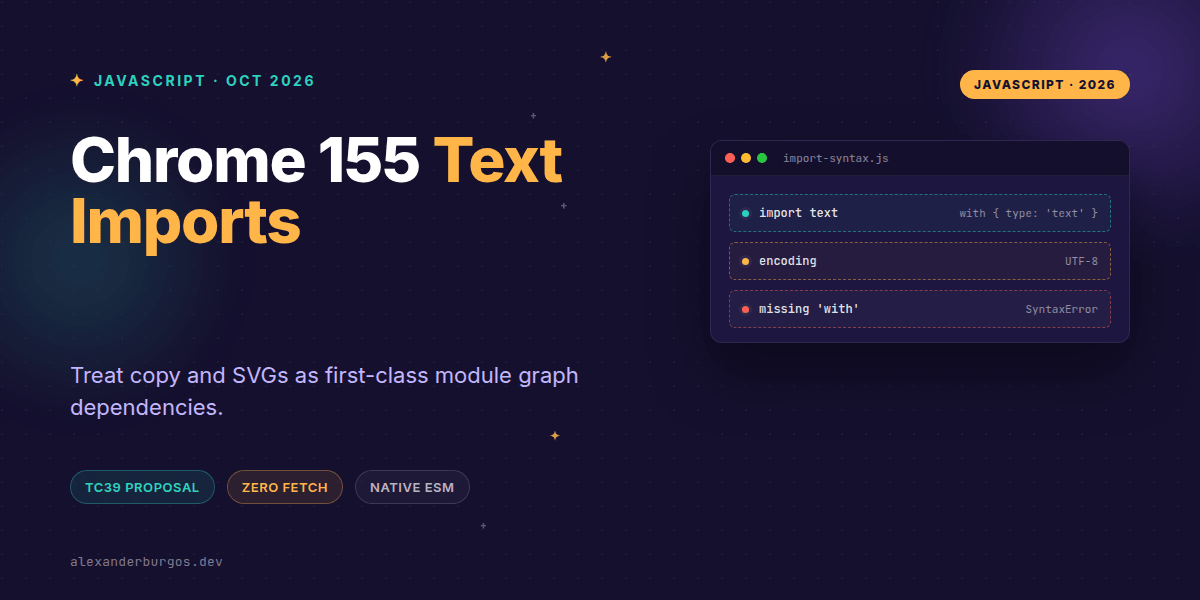
import myText from "./content.txt" with { type: "text" };By adding with { type: "text" }, the browser knows not to try and execute the file as JavaScript. Instead, it treats the resource as a raw UTF-8 string. This is a massive win for design systems because it allows us to stop relying on fetch() or complex loaders for static assets.
Shipping Component Copy as a Dependency
I've found that one of the hardest things to manage in a design system is "default copy." You want your components to have sensible defaults, but hardcoding strings into your React or Web Components makes them harder to localise later.
With text imports, you can keep your copy in plain .txt or .md files and import them as statically analysable dependencies:
// button-copy.js
import buttonLabel from "./copy/button-label.txt" with { type: "text" };

export function Button({ children = buttonLabel }) {
  return `<button>${children}</button>`;
}
Now, your build tool knows exactly which copy files are used by which components. No more guessing which strings are still in use.
Native SVG Fragments
We've all been there: you have a library of 500 icons, and you don't want to wrap every single one in a React component wrapper just to get it into the browser. Text imports allow you to pull in the raw SVG path and inject it where needed.
import iconPath from "./icons/check.svg" with { type: "text" };

export const checkIcon =
  `<svg viewBox="0 0 24 24" aria-hidden="true">${iconPath}</svg>`;
Since this is part of the module graph, the browser handles the caching and delivery. It's more efficient than a runtime fetch() because it happens during the module evaluation phase.
Tokens and Metadata Parsing
You might wonder: "Why not just use JSON modules?" Well, sometimes you want the raw string of your design tokens to validate them against a schema or to pass them into a specific parser before they become objects in your application logic.
import tokenSource from "./tokens/design-tokens.json" with { type: "text" };

// We choose when and how to parse this
export const tokens = JSON.parse(tokenSource);
Text imports don't automatically turn JSON into an object—that's what type: "json" is for. Using the text type gives you total control over the boundary between raw data and your runtime state.
Important Gotchas to Remember
- Security: No sanitisation is provided. If you're importing HTML or SVG and injecting it via
innerHTML, you must still validate that content to prevent XSS. - Mandatory Syntax: You cannot omit the
with { type: "text" }part. If you do, the browser will try to execute the file as a JS module, which will likely fail with a syntax error. - Node.js vs Browser: While Chrome 155 supports this natively, Node.js still requires the
--experimental-import-textflag as of my latest check. Don't assume your SSR environment will support it without configuration. - Encoding: These imports are strictly UTF-8. If you're dealing with legacy encodings, you're out of luck here.
In my experience, this is one of those "quiet" features that fundamentally changes how we architect design systems. It moves us away from proprietary bundler plugins (like raw-loader) and toward a standardised web platform.
Wrapping Up
- Chrome 155 enables native
type: "text"imports for cleaner asset management. - Use it to treat SVGs, copy, and tokens as standard module dependencies.
- Remember that it is not a
fetch()replacement; it's a module resolution feature.
I'd encourage you to start experimenting with this in your dev environments. It's a great way to simplify your build pipeline and lean into what the browser can do natively.
If you want the long-form version of this with 23 chapters and runnable code, Ship Your Design System on Amazon is the handbook.
If you want to go deeper and learn how to build real, production-ready CSS design systems step by step, check out my full course here: CSS Design Systems Course
Let's keep the conversation going! You can find me sharing more CSS and design system tips on Twitter or connect with me for professional insights on LinkedIn.