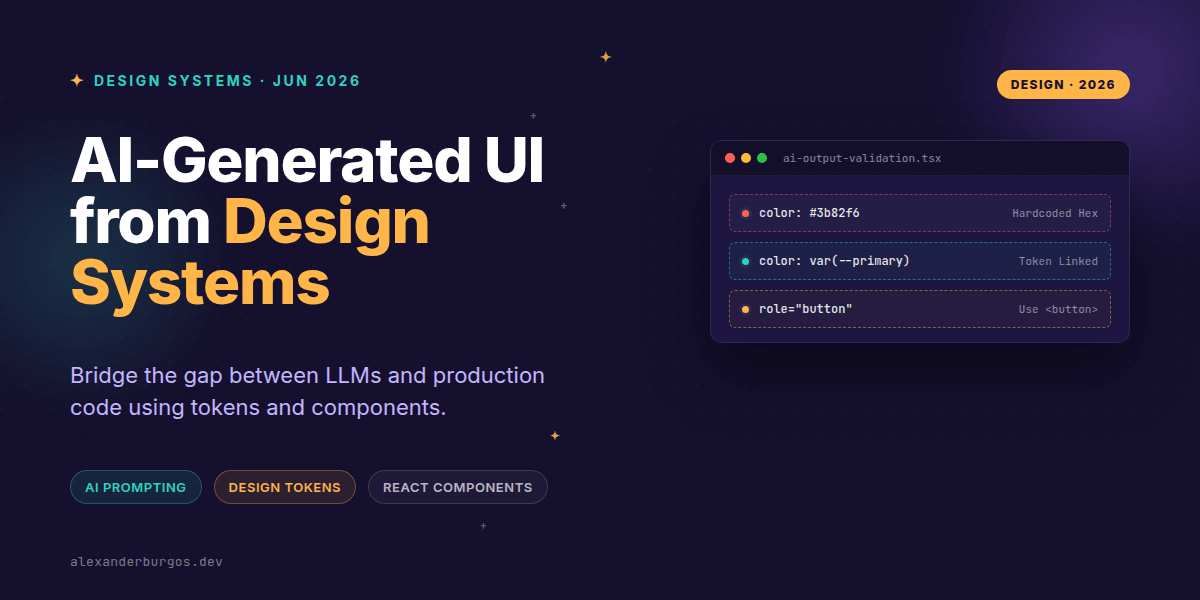
Right, let's talk about the elephant in the room: AI is getting remarkably good at writing code, but it's still pretty rubbish at following your design system's rules. We've all seen it – you ask an LLM for a login screen, and it spits out a beautiful layout using random Tailwind hex codes and generic HTML that ignores your carefully crafted React component library.
It's frustrating because the potential is massive. Imagine a world where a product manager can describe a feature, and the AI generates a high-fidelity prototype using your components, your tokens, and your accessibility standards. The good news? We're actually already there, provided we stop letting AI run wild and start giving it some strict guardrails.
The Constraint Secret: Components over HTML
The biggest mistake I see teams make is asking AI to generate 'code' instead of asking it to 'compose components'. If you give an AI a blank canvas, it'll invent its own system. But if you feed it your component definitions – or use tools like UXPin Merge – you're forcing it to work within your ecosystem.
As the folks at Vercel pointed out in their piece on AI-powered prototyping, an AI-ready design system needs open, transparent components and composable APIs. When your AI knows that a Button only accepts variant="primary" or secondary, it can't hallucinate a variant="neon-glow".
Tokens as the Source of Truth
If components are the building blocks, tokens are the DNA. The W3C Design Tokens Community Group defines tokens as key-value pairs representing design decisions. For an AI to be production-ready, it must speak 'token'.
I've found that providing a JSON schema of your tokens to the LLM's system prompt completely changes the output quality. Instead of the AI guessing a margin of 15px, it uses var(--space-4) because it understands that's the only valid option in your scale.
// What we want the AI to output
<Card padding="md" shadow="subtle">
  <Stack gap="sm">
    <Heading level={3}>System Status</Heading>
    <Badge intent="success">Operational</Badge>
  </Stack>
</Card>
The Accessibility Trap
Here's where it gets sticky. AI loves to throw role="button" on a div and call it a day. But as MDN's guidance on ARIA reminds us: if you can use a native HTML element, you should. Native elements have built-in keyboard support and focus management that AI often forgets.
When generating UI, we have to ensure the AI isn't just making things look accessible, but actually making them functional. This means our component library must handle the heavy lifting of focus traps and keyboard event listeners, so the AI only has to worry about the high-level composition.
Implementing a Governance Layer
You can't just copy-paste AI code into your main branch. You need a middleman. I'm a big fan of using a 'Schema-First' approach. Instead of letting the AI write React code directly, let it output a JSON layout spec. Your application then renders that JSON using your actual, tested components.
- Validation: The renderer only allows components that exist in your library.
- Safety: No arbitrary CSS or inline styles can be injected.
- Consistency: The AI is forced to use the props you've defined, ensuring the UI stays on-brand.
Practical Example: Constrained Layout Schema
By defining a strict TypeScript type for what the AI is allowed to return, you eliminate 90% of the 'hallucination' issues. Check out this simple schema approach:
type AISafeLayout = {
  component: 'Box' | 'Flex' | 'Grid';
  props: {
    padding?: 'sm' | 'md' | 'lg';
    gap?: 'none' | 'sm' | 'md';
  };
  children: AISafeLayout[];
};I cover the full pipeline in Ship Your Design System, 200 pages on Amazon Kindle.
Wrapping Up
- Stop letting AI write raw HTML; feed it your component APIs and tokens instead.
- Prioritise native HTML elements over custom ARIA roles to keep the generated UI accessible.
- Use a schema-based rendering layer to maintain strict governance over AI-generated layouts.
Don't be afraid to experiment with these prompts today. Start by feeding your theme.json into your favourite LLM and ask it to build a layout using only those keys. You'll be surprised how much better the results become.
If you want to go deeper and learn how to build real, production-ready CSS design systems step by step, check out my full course here: CSS Design Systems Course
I'd love to hear how you're using AI in your workflow! Let's chat on Twitter or connect with me on LinkedIn.