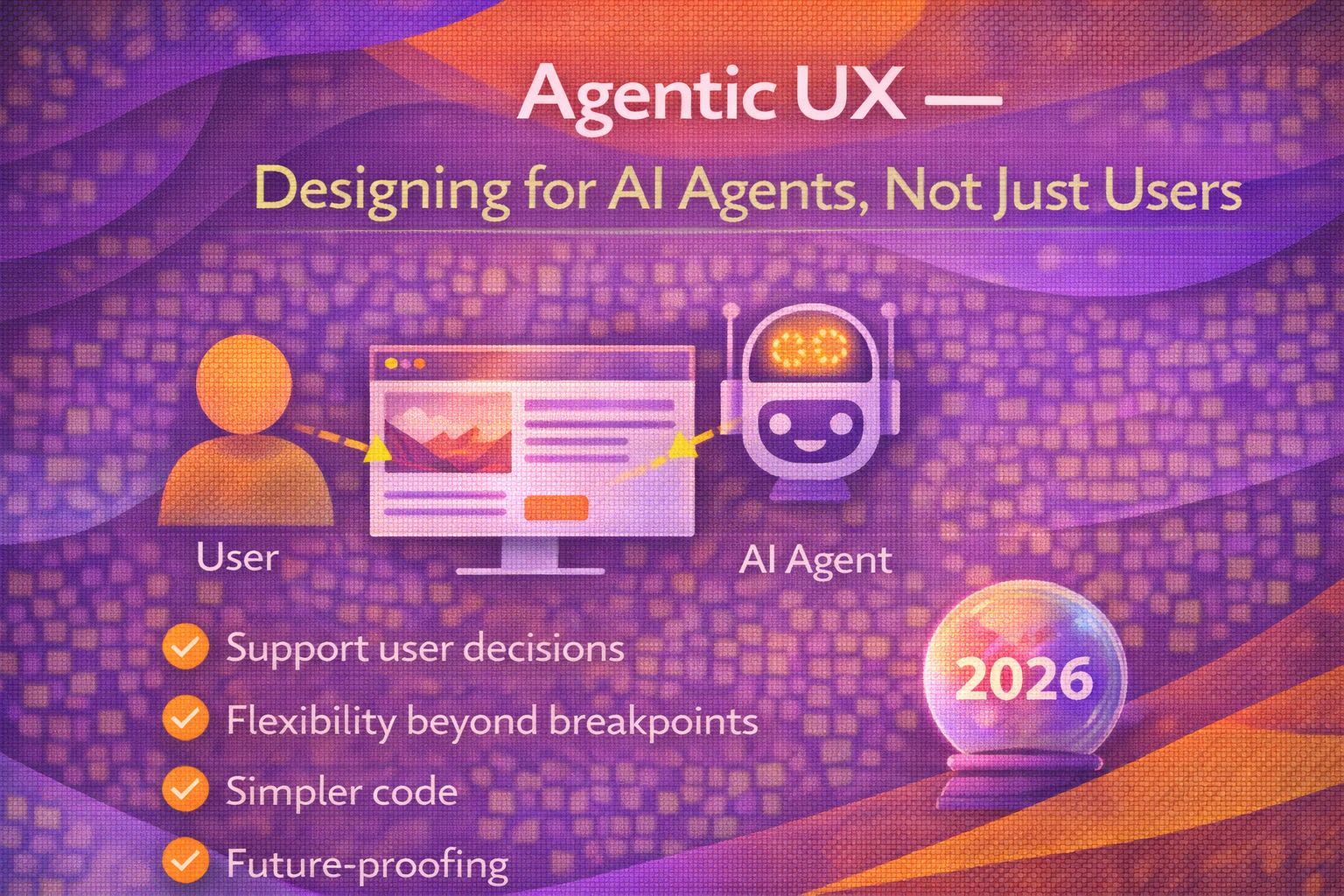
Ever wondered why your favourite apps are starting to feel a bit... crowded? We've spent decades perfecting the art of designing for human eyeballs and thumbs, but there's a new user in town. And honestly, they don't have eyeballs, and they certainly don't use thumbs. I'm talking about AI agents.
We are shifting from a world of 'Human-Computer Interaction' to something much more complex: 'Agentic UX'. This is the kind of thing that makes me love UX engineering, because it forces us to rethink everything we know about navigation, feedback, and trust. We aren't just building buttons anymore; we're building environments where autonomous agents can perform tasks on a user's behalf.
The Shift: From Direct Manipulation to Delegation
For years, the gold standard of UX was 'Direct Manipulation'—the idea that users should feel they are physically interacting with digital objects. If you want to delete a file, you drag it to the bin. But with AI agents, the mental model shifts to 'Delegation'. The user provides an intent, and the agent navigates the UI to execute it.
Designing for the 'Invisible' User
Here's the thing: when an AI agent 'visits' your site, it isn't looking at your beautiful hero image or that bespoke typography. It's looking for structure. If your DOM is a mess of non-semantic divs, the agent gets lost. In Agentic UX, accessibility (A11y) isn't just a compliance checkbox—it's the primary interface for the AI.
I've found that the best way to prepare for this is to treat your semantic HTML as the 'API' for the agent. If a screen reader can understand it, an LLM-based agent probably can too. We're moving toward a 'dual-layered' UI where the visual layer serves the human, and the semantic layer serves the agent.
The Trust Gap and Predictability
The biggest hurdle in Agentic UX is trust. If I tell an agent to 'book the cheapest flight to Lisbon', I need to know it won't accidentally book a non-refundable ticket for the wrong month. We need to design 'Intervention Points'—moments where the agent pauses and asks for human validation.
New UX Patterns for Agents
We need to start thinking about 'Machine-Optimised Wayfinding'. This involves creating clear boundaries and distinct states that an agent can recognise. Let's look at how a developer-centric persona might interact with this new reality.
The Ethics of Agentic Design
Let's be honest—Agentic UX opens a bit of a Pandora's box. If agents can navigate UIs, what's stopping 'bad' agents from scraping data or performing malicious actions? Designing for agents requires a robust security layer that doesn't ruin the experience for the human. Trust me on this one: transparency is your best friend. Always show the 'Why' behind an agent's 'How'.
Wrapping Up
Designing for AI agents is the next frontier of UX Engineering. It requires us to marry the rigour of accessibility with the flexibility of conversational design. The goal isn't to replace the human, but to empower them to be the director of their own digital life.
- Focus on Semantics: High-quality HTML and ARIA labels are the 'eyes' of an AI agent.
- Design for Delegation: Shift from step-by-step flows to intent-based systems with clear intervention points.
- Build Trust through Transparency: Always provide a clear log of what an agent has done and why it made those choices.
Don't wait for the 'AI revolution' to hit your backlog—start experimenting with agentic patterns today. Try using a screen reader on your own product; if you can't navigate it with your eyes closed, an AI agent won't be able to either.
If you want to go deeper and learn how to build real, production-ready CSS design systems step by step, check out my full course here: CSS Design Systems Course
Got questions or want to share how you're using this? Drop me a message on LinkedIn - I always enjoy chatting about this stuff!